Drop an exact pin. Get found the first time.
Addresses point at buildings; pickups happen at curbs, gates and loading docks. Jrop is in beta: drop a pin on a practice map, set how precise it is, and see the coordinates, distance and ETA a driver would get.
- Free during beta
- Runs in your browser
- No location data sent
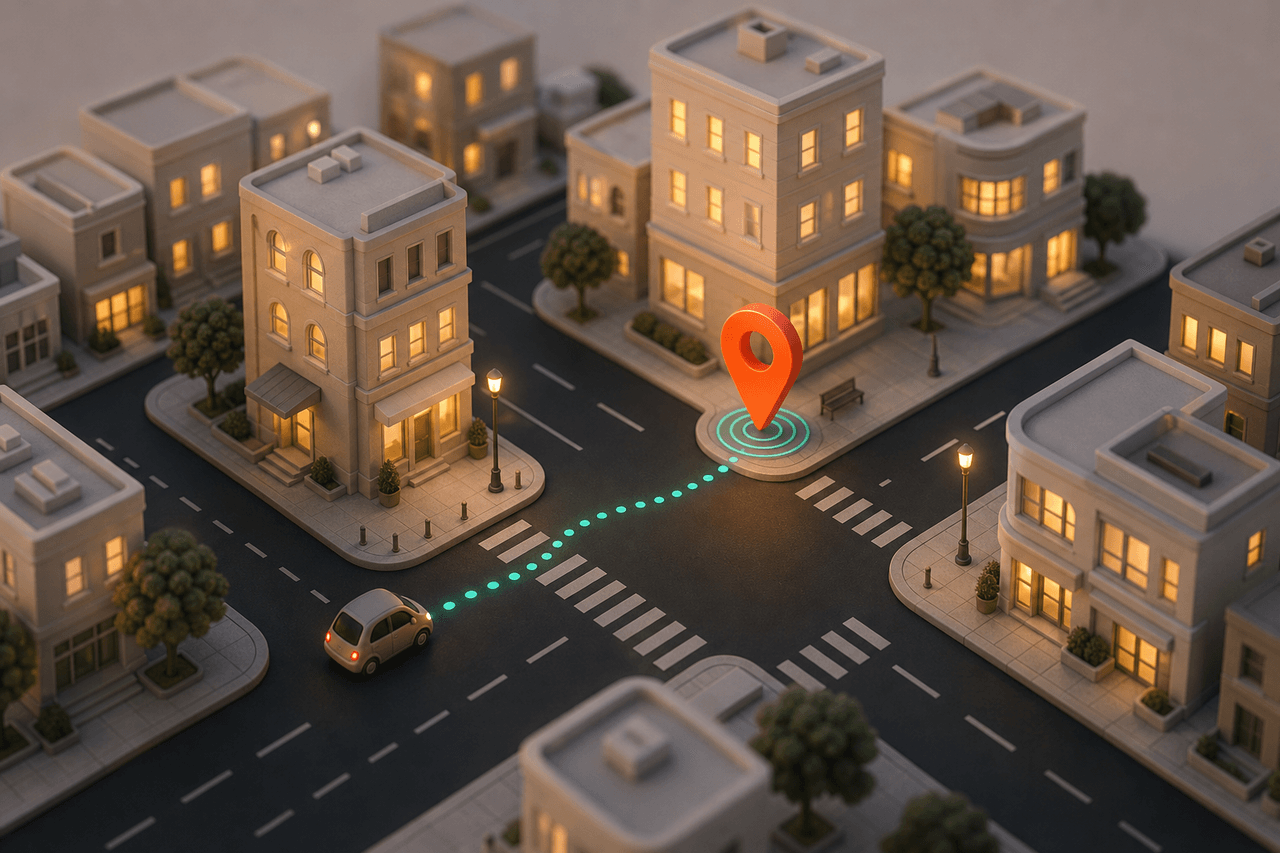
How it works
Try it in four steps
Everything below works today, in your browser, without an account.
- 01
Drop
Click or tap the practice map — or use the arrow keys — to put a pickup pin on the exact spot.
- 02
Set accuracy
Slide the accuracy radius from pin-sharp (±3 m) to a rooftop guess (±80 m) and watch the halo change.
- 03
Read it
See the pin's coordinates, the distance and a rough ETA from a sample driver, recomputed as you move the pin.
- 04
Keep going
Create a free account to drop real pins, save them and share them with a link that expires.
What works today
Built for the last 50 meters
The map gets a driver to the block. A precise pin is what gets them to the person.
Pin sandbox
A pickup point, not a postal address
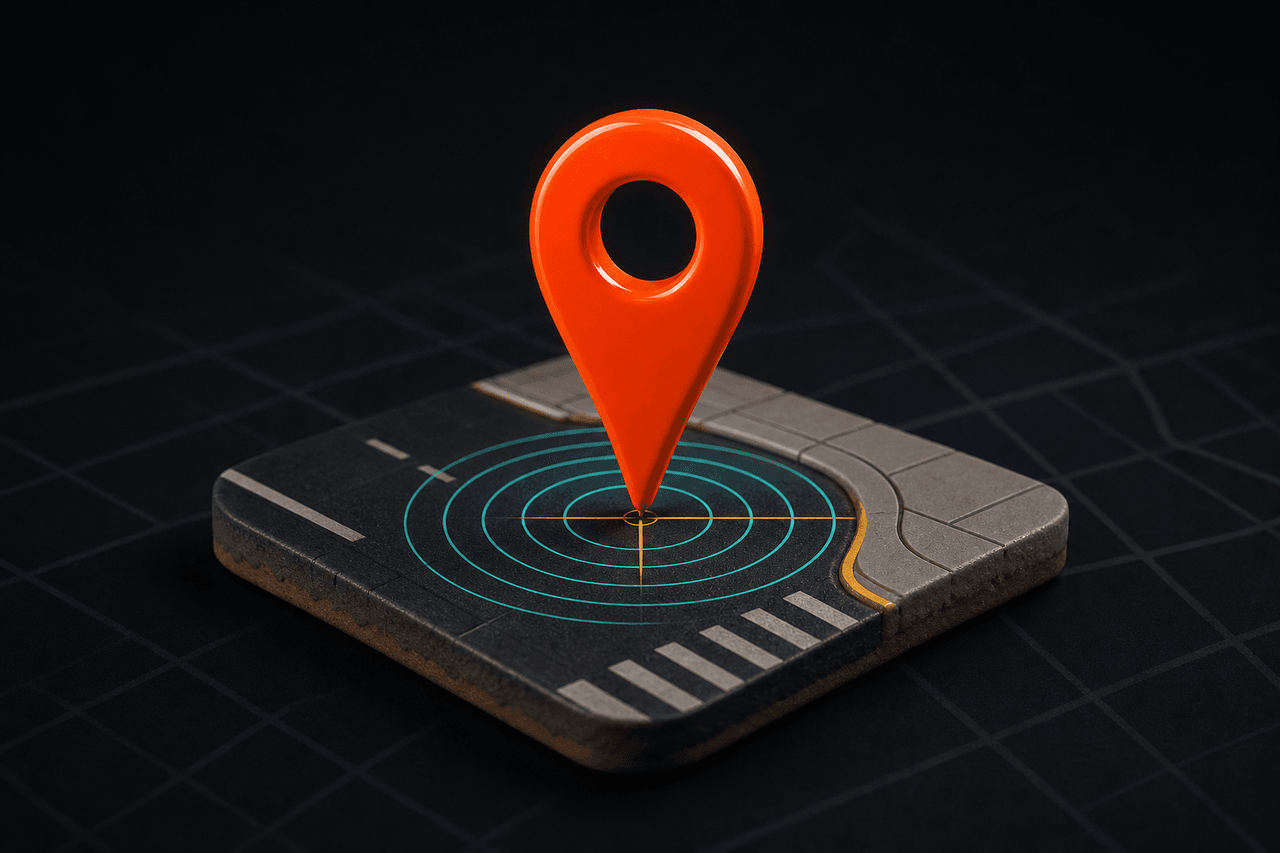
A Jrop pin is a point plus how sure you are about it. The sandbox shows both: coordinates to five decimal places and an accuracy radius you control, with a plain-language status for how findable the pin is.
- Click, tap or arrow keys to place the pin
- Accuracy radius from ±3 m to ±80 m
- Coordinates, distance and ETA update live

Your workspace
Save a pin. Share it. Let the link expire.
Sign up with a name, email and password. In your workspace you drop a pin from your location or pasted coordinates, nudge it to the exact spot, save it and share it with a link that expires.
- Pins saved to your account, visible only to you
- Share links that expire after 15 minutes to 7 days
- Revoke a link or delete a pin at any time
Accuracy halo
The circle around the pin grows and shrinks with the radius, so you see how much room a driver has to search.
Distance and ETA
Computed from where the pin sits relative to a sample driver — a quick feel for how a pickup is described.
Sandbox stays in your browser
Practice pins on this page are calculated on your device and never sent to our servers.
Free during beta
One free plan with everything that works today. No card needed.
Live demo
Go on — drop a pin
Tap anywhere on the practice map (or use the arrow keys). Watch the route, distance and accuracy update the way a driver would see them.
Illustrative demo — the numbers are computed from where you drop the pin, to show how a pickup is described. No location data is sent anywhere.
Use cases
Wherever a pickup can go wrong
Three kinds of hand-off where an address alone isn't enough.
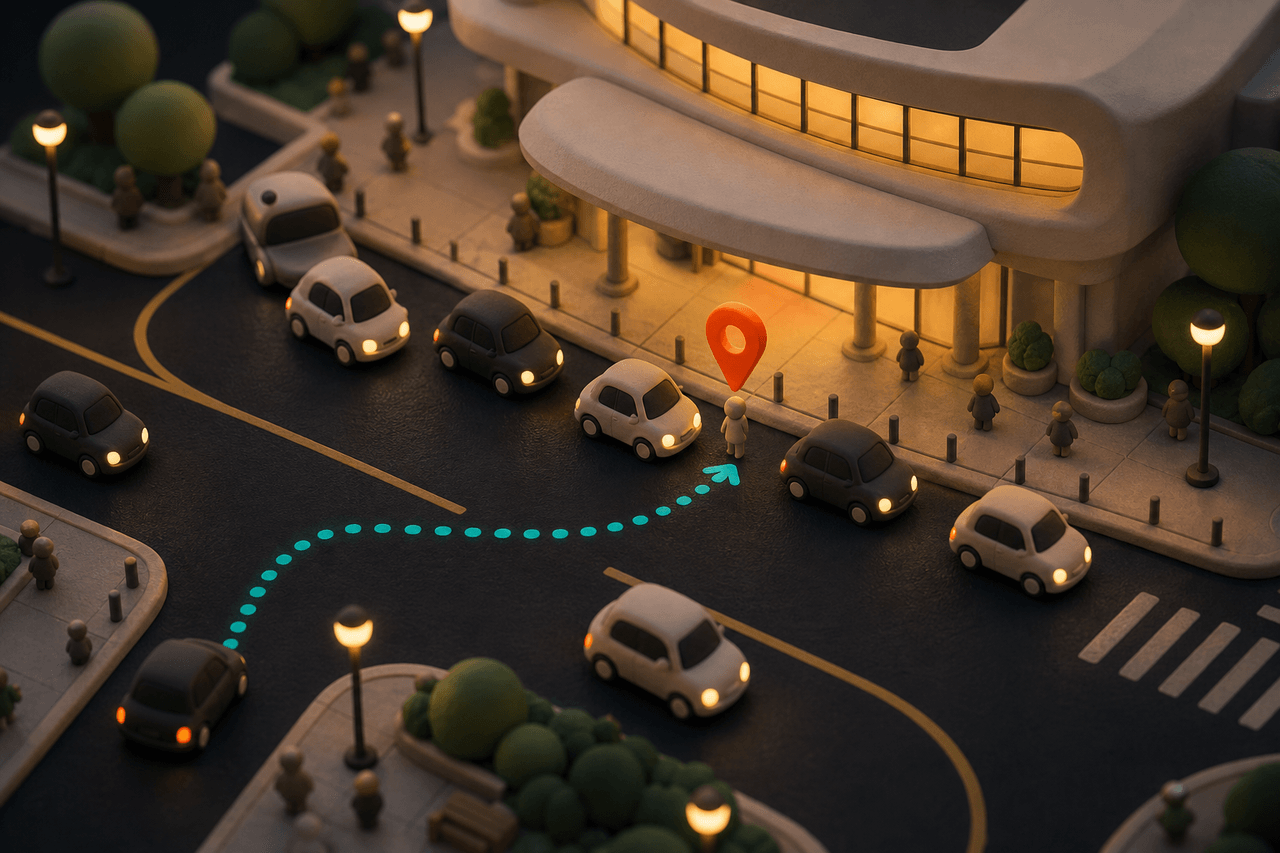
No more “I'm the one in the blue jacket.”
- A building's address is its center point, not the curb the rider stands at
- Big venues and stations have several exits on different streets
- A phone's location can drift tens of meters near tall buildings
- An accuracy radius tells the driver how far to look
Privacy by design
Precise about places. Careful with people.
Location is sensitive, so Jrop keeps as little as it can. Here's what that means today.
Your pins, your call
Saved pins are visible only to you. Share links expire on the schedule you pick, and deleting a pin deletes it and its links.
Minimal account data
Your account holds a name, an email address, a salted password hash and the pins you save — nothing else about you.
No ads, no selling
No advertising or tracking cookies. We don't sell or rent your data to anyone.
FAQ
Questions, answered
Stop describing the corner. Drop the pin.
Create a free account and start saving and sharing precise pins in under a minute. Free during beta.